Target audience: Administrators & Superusers
Configuration
- Navigate to Settings → General
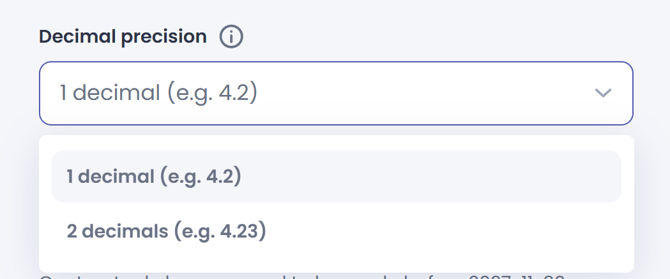
- Locate the Decimal precision setting
- Set it to 1 or 2 based on your preferences.
- Press Save
![Main - White500.png]](https://help.eletive.com/hs-fs/hubfs/Main%20-%20White500.png?height=35&name=Main%20-%20White500.png)
Target audience: Administrators & Superusers