![Main - White500.png]](https://help.eletive.com/hs-fs/hubfs/Main%20-%20White500.png?height=35&name=Main%20-%20White500.png)
Navigate to Objectives in the left side bar to view existing objectives.
Update Objective status
When working on completing your objective, you can set status depending on the progress. You can choose between:
-
On track (Green)
-
Behind (Yellow)
-
At risk (Red)
Edit the key result progress
When you, your team or the organization is working on managing the key results, you are able to adjust the progress by
- Expanding the objective you would like to edit
- Hover the mouse over the progress of the key result you would like to edit
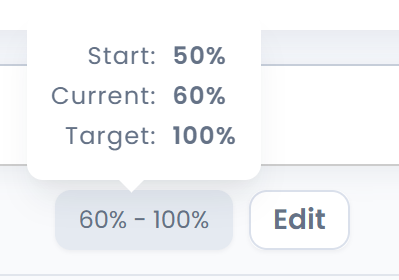
- Press on the key result value or on the edit button
- Update the progress
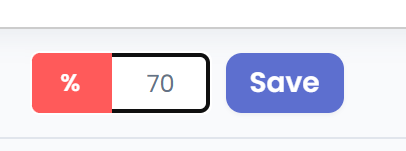
- Press Save